
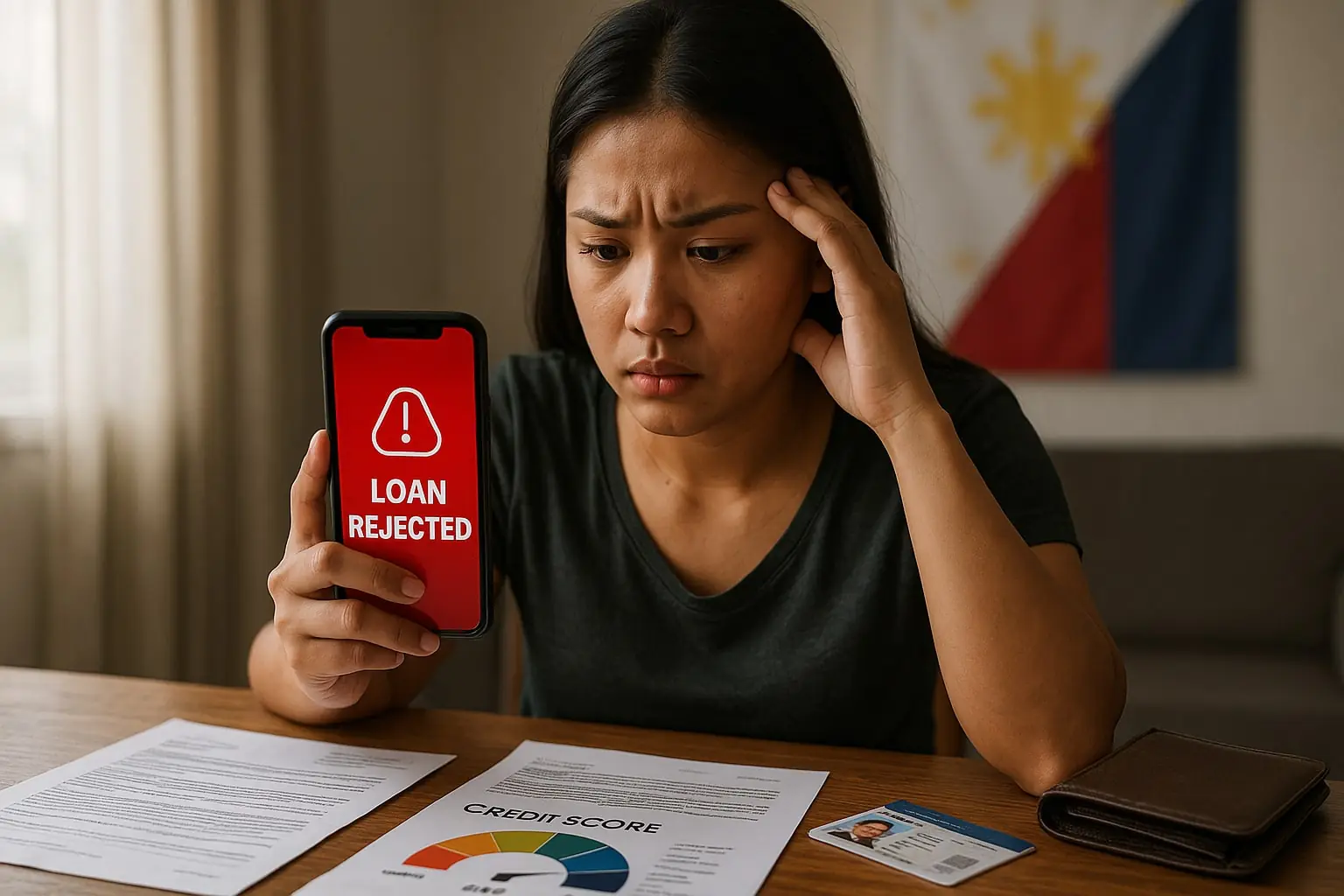
Getting declined by a pautang online app can be frustrating—especially when you need cash urgently. The good news: most denials are fixable once you understand what lenders look for. Approval depends on three pillars: identity & device trust, income & affordability, and borrowing behavior.
This guide explains the most common rejection causes in the Philippines and gives exact action plans to turn a “No” into a fast “Yes.”
- How Loan Apps Decide (What’s Behind “No”)
- Top Rejection Reasons in the Philippines (Explained with Fixes)
- 1) ID/KYC Failure
- 2) SIM Not Registered to Your Name
- 3) Device Risk Signals
- 4) Thin or Unverifiable Income
- 5) High DTI (Debt-to-Income)
- 6) Negative Credit History
- 7) Too Many Recent Applications
- 8) Address or Employment Inconsistency
- 9) Unsupported Eligibility (Age/Residency/Location)
- 10) Contactability Risk
- 11) Suspicious Patterns / Potential Fraud
- 12) Policy/Segment Restrictions
- Read the Denial Message Like a Pro (Decode & Respond)
- 24-Hour Rescue Plan (If You Need to Reapply Quickly)
- 7-Day Turnaround Plan (If You Can Wait)
- DTI & Affordability — How Much Should You Borrow?
- Documentation That Speeds Approvals (How to Prepare)
- App-Specific Nuances (What Often Triggers “No”)
- Do’s and Don’ts After a Denial
- Reconsideration Template (Polite In-App Message/Email)
- Pre-Reapply Checklist (Copy/Paste This Into Your CMS)
- FAQs — Loan Rejections in PH
- Can I get approved without a payslip?
- How long should I wait after a denial?
- Do multiple applications improve my chances?
- Does early repayment help future approvals?
- Why did my friend get approved but I didn’t?
- Do I need a bank account?
- Conclusion

How Loan Apps Decide (What’s Behind “No”)
Lenders typically score you across five buckets:
- KYC & Identity – Are you who you say you are? (valid ID, SIM registration, address consistency).
- Device & Behavior Signals – Is your device normal? (no root/VPN/emulator, stable location/IP, updated OS/app).
- Income & Affordability – Can you comfortably repay? (payslips/bank or e-wallet statements, DTI ratio).
- Credit Footprint – Do you repay on time? (history with apps/BNPL/cards, arrears, write-offs).
- Risk Flags – Too many recent applications, suspicious patterns, mismatched data, or unsupported criteria (age/residency).
📌 Guides & FAQs → How to Get Approved Faster
📌 Guides & FAQs → How to Check if a Lender is Licensed
Top Rejection Reasons in the Philippines (Explained with Fixes)
1) ID/KYC Failure
What happens: Blurry ID, glare, cropped edges, or name/birthday mismatch between ID, app profile, and SIM registration.
Fix now: Retake photos in bright, even light; show the entire ID; switch off flash; align name format everywhere (e.g., Juan Dela Cruz, not Juan D. Cruz). Upload a secondary ID if the app allows.
2) SIM Not Registered to Your Name
What happens: KYC and contactability checks fail if the SIM owner name ≠ ID/app name.
Fix now: Use a SIM registered under your legal name or update registration; then re-verify.
3) Device Risk Signals
What happens: Rooted/jailbroken phone, VPN/proxy, emulator, frequent device changes, odd geolocation or time settings.
Fix now: Disable VPN, use your primary device, update OS/app, ensure automatic date/time, and avoid emulators.
4) Thin or Unverifiable Income
What happens: No payslips, weak bank/e-wallet history, mostly cash transactions. Lender can’t see steady inflows.
Fix now: Provide 1–3 payslips or 2–3 months of bank/e-wallet statements showing income. For freelancers: invoices + statement with client deposits.
5) High DTI (Debt-to-Income)
What happens: Your monthly debt payments / monthly net income is too high (e.g., >30–40%).
Fix now: Borrow less, extend term if available, or settle other obligations first. Target DTI ≤ 30%.
6) Negative Credit History
What happens: Late payments, charge-offs, or unresolved arrears with any lender/BNPL.
Fix now: Clear arrears; get a paid confirmation; then build a positive streak (small loan repaid early).
7) Too Many Recent Applications
What happens: Multiple apps at once looks risky; automated systems detect “credit seeking” spikes.
Fix now: Apply to one lender at a time; if denied, wait 7–14 days, improve signals, try again.
8) Address or Employment Inconsistency
What happens: Different addresses across documents; unverifiable or very new employment.
Fix now: Use recent utility bill/bank statement with your name; attach COE or contract; avoid contradictory entries.
9) Unsupported Eligibility (Age/Residency/Location)
What happens: You’re outside age limits, not PH-resident, or out of coverage zones.
Fix now: Apply only if you meet eligibility; otherwise consider alternative products (e.g., BNPL with small limits).
10) Contactability Risk
What happens: Wrong phone/email, unreachable references, autoresponders.
Fix now: Use reachable numbers/emails, answer verification calls/SMS, and inform references.
11) Suspicious Patterns / Potential Fraud
What happens: Multiple identities on one device, doctored docs, unrealistic income vs. banking.
Fix now: Submit genuine documents, keep data consistent, avoid “document editors.”
12) Policy/Segment Restrictions
What happens: Certain industries/tenures may be temporarily de-prioritized; very new accounts can be flagged as “thin file.”
Fix now: Demonstrate stability—keep steady inflows and try a smaller amount first.
Read the Denial Message Like a Pro (Decode & Respond)
Loan apps often use generic messages: “We can’t approve you at this time”. Translate them:
| App Message Pattern | Likely Reason | Immediate Action |
| “Couldn’t verify your identity” | KYC/ID/SIM mismatch | Retake ID, align SIM name, re-KYC |
| “Not eligible at this time” | Age, residency, thin file | Add docs, use smaller amount, try later |
| “Insufficient affordability” | High DTI / unstable income | Lower amount/term; upload payslips/statement |
| “Too many applications” | Recent credit seeking | Pause 7–14 days; improve signals |
| “Technical/device issue” | Root/VPN/emulator/timezone | Disable VPN, update OS/app, re-login |

24-Hour Rescue Plan (If You Need to Reapply Quickly)
- KYC refresh: New high-quality ID photos + selfie; confirm exact name format across ID/SIM/app.
- Device clean-up: Disable VPN, update OS + loan app, reboot.
- Docs ready: Payslips or e-wallet/bank statements (PDF, last 2–3 months).
- Right sizing: Request a smaller amount you can repay comfortably.
- Timing: Apply when you have a strong signal/Wi-Fi; keep notifications on to respond fast.
7-Day Turnaround Plan (If You Can Wait)
- Days 1–2: Use your e-wallet for bill payments and keep a small positive balance; receive income visibly.
- Day 3: Generate bank/e-wallet statement PDFs; tidy file names (Lastname_Statement_June.pdf).
- Day 4: Settle small arrears; avoid new concurrent apps.
- Day 5: Align data: name, address, birthday, employer—exact match everywhere.
- Day 6: Try a tiny BNPL or micro-installment, then repay early.
- Day 7: Reapply to one app with a modest amount and clean docs.
DTI & Affordability — How Much Should You Borrow?
DTI = monthly debt payments ÷ monthly net income. Keep ≤ 30% for safer approval.
| Net Income / Month | 20% Installment | 30% Installment | Practical Guidance* |
| ₱12,000 | ₱2,400 | ₱3,600 | Small, short term only |
| ₱20,000 | ₱4,000 | ₱6,000 | Short to 3–6 months |
| ₱30,000 | ₱6,000 | ₱9,000 | 3–12 months |
| ₱50,000 | ₱10,000 | ₱15,000 | Medium ticket, 6–12 months |
*Actual offers vary by app, rates, and risk profile. When in doubt, borrow less and repay faster.
Documentation That Speeds Approvals (How to Prepare)
Valid ID (pick 1–2)
UMID, Driver’s License, Passport, PhilID/ePhilID, Postal ID, SSS, PRC.
Photo tips: Bright, even light; no glare; full edges visible; high resolution.
Proof of Income
- Employed: 1–3 payslips, COE with salary, or bank statements with payroll inflows.
- Self-employed/freelancer: DTI/Mayor’s permit, BIR docs (e.g., 2303), invoices + bank/e-wallet statements showing client payments.
- OFW/household support: Remittance receipts + receiving statements.
Proof of Address
Utility bill, bank statement, lease, or barangay certificate—recent and with your name.
📌Online Loans → Loan Calculators
App-Specific Nuances (What Often Triggers “No”)
- Tala – Short-term focus. Rejections often from KYC issues or asking for too much on the first loan. Start small; repay early.
- Digido – If 0% first loan is visible, take it with short term; daily-rate long terms plus weak income proof can trigger affordability rejection.
- Cashalo – Short terms and lower caps; thin income proof or mismatched data = decline. Try Cashacart BNPL first, repay early.
- JuanHand – Long terms require stronger affordability; if first loan is high, you may get cut.
- BillEase – Proof of income is important; no clear income = reject. Try a small BNPL with a partner and repay on schedule.
- Finbro – Higher ceilings but stricter affordability for longer terms; start small.
- GCash Loans (GLoan/GGives/GCredit) – Pre-qualification via GScore. If offers don’t show, use GCash actively, clear dues, and wait for a score lift.
- Home Credit – Often pre-qualified from past installment history. No pre-qualification = no offer.
- Loan Apps Reviews → Tala
- Loan Apps Reviews → Digido
- Loan Apps Reviews → Cashalo
- Loan Apps Reviews → JuanHand
- Loan Apps Reviews → BillEase
- Loan Apps Reviews → Finbro
- Loan Apps Reviews → GCash Loans
- Loan Apps Reviews → Home Credit Cash Loan
Do’s and Don’ts After a Denial
Do:
- Fix KYC and device issues first.
- Lower requested amount/shorten term.
- Upload better docs (payslips/statements).
- Wait 7–14 days before trying another app.
Don’t:
- Apply to many apps at once.
- Doctor documents.
- Ignore collection notices or arrears elsewhere.
- Keep using a non-registered SIM or VPN during KYC.
Reconsideration Template (Polite In-App Message/Email)
Subject: Request for Re-Evaluation – [Your Full Name]
Hello, I recently applied and received a denial. I’ve updated my documents and fixed inconsistencies.
What I updated:
• New clear ID + selfie (matching SIM name)
• Latest payslips / bank/e-wallet statements
• Correct address and employer details
I’m requesting a re-evaluation for a smaller amount and shorter term. Thank you for considering my request.
Pre-Reapply Checklist (Copy/Paste This Into Your CMS)
- SIM registered under my legal name
- High-quality ID photos + selfie (no glare, full edges)
- Payslips or 2–3 months bank/e-wallet statements ready (PDF)
- DTI ≤ 30% at requested amount
- No concurrent applications in last 7–14 days
- Device not rooted, VPN off, OS/app updated
- Exact same name/address/employer across all fields
- Realistic first-loan amount and manageable term
FAQs — Loan Rejections in PH
Can I get approved without a payslip?
Yes, if you can show regular deposits in bank/e-wallet statements (plus invoices for freelancers).
How long should I wait after a denial?
Typically 7–14 days while you improve KYC, income proof, and device signals.
Do multiple applications improve my chances?
No—they hurt your score and raise risk flags.
Does early repayment help future approvals?
Absolutely—limits increase and decisions get faster after clean repayment cycles.
Why did my friend get approved but I didn’t?
Different DTI, income visibility, device signals, or credit history lead to different outcomes.
Do I need a bank account?
Not always—many apps disburse to GCash/Paymaya, but bank statements still help for income proof.
Conclusion
Most loan rejections come from fixable issues: KYC quality, SIM/ID mismatch, device risk signals, thin income proof, high DTI, or too many recent applications. Tackle these systematically, start small, and repay early to build a positive track record.
👉 Compare trusted loan apps and find the best match for your profile →